
Report incidents. Improve safety. Prevent recurrence.

A better way to manage incidents
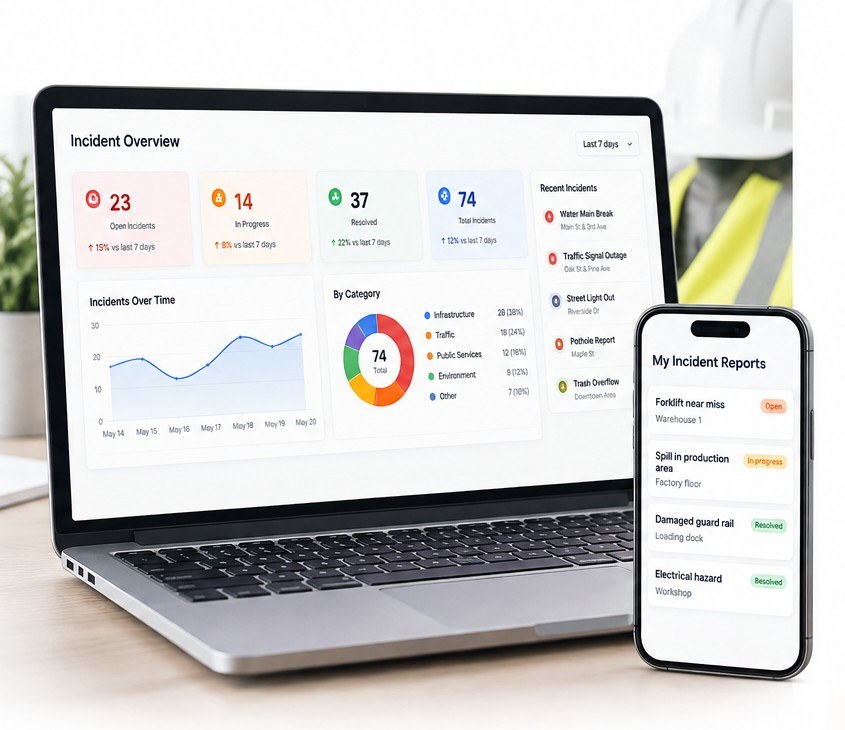
Everything you need in one system.
Capture workplace safety events through a clear online process.
Attach information that helps administrators understand what happened.
Activate the feature quickly, then customise questions and flows to suit your workplace.
Assign corrective actions and keep progress visible until the issue is closed.
Review incident information and spot recurring themes across your organisation.
How incident reporting works






Make it easy to report. Make it safer for everyone.

Incident reporting questions, answered.
What can Induct For Work be used for in incident reporting?
Induct For Work can be used to capture incidents, hazards, near misses and other workplace safety events, together with supporting information and follow-up actions.
Can workers submit incident reports from mobile devices?
Yes. Reports can be submitted from mobile phones, tablets and desktop devices, making it easier for people to report issues from site, the office or while working remotely.
Can photos and supporting files be added to an incident report?
Yes. Reports can include supporting information such as photos, documents and file attachments so administrators have more context when reviewing what happened.
Can incident reporting forms be customised?
Yes. The reporting workflow can be configured to collect the information your organisation requires, including custom questions, supporting documents and other relevant details.
Can corrective actions be assigned and tracked?
Yes. Follow-up actions can be assigned and monitored so administrators can keep track of what has been completed and what still requires attention.
Can managers review incident reporting trends?
Yes. Incident information can be reviewed through dashboards and reporting records to help managers identify recurring issues, monitor activity and support workplace safety improvements.