
CONTRACTOR PRE-QUALIFICATION SOFTWARE
Pre-qualify contractors with confidence.
Collect, review and manage contractor licences, insurance, qualifications and supporting documents before work begins.
Reduce risk
Check key requirements before contractors arrive.
Audit-ready
Keep clear records of review and approval activity.

Built for teams that manage contractors
VISIBLE DOCUMENT CONTROL
Review licences, insurance and certificates at a glance.
See uploaded documents, expiry dates and review status in one clear workspace. The examples below demonstrate how contractor evidence can appear during review.
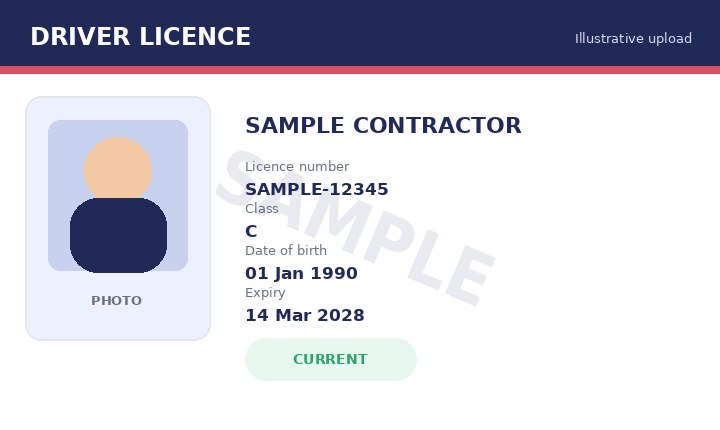
Driver Licence
Current- Number
- SAMPLE-12345
- Expiry
- 14 Mar 2028
- Uploaded
- 01 Apr 2026
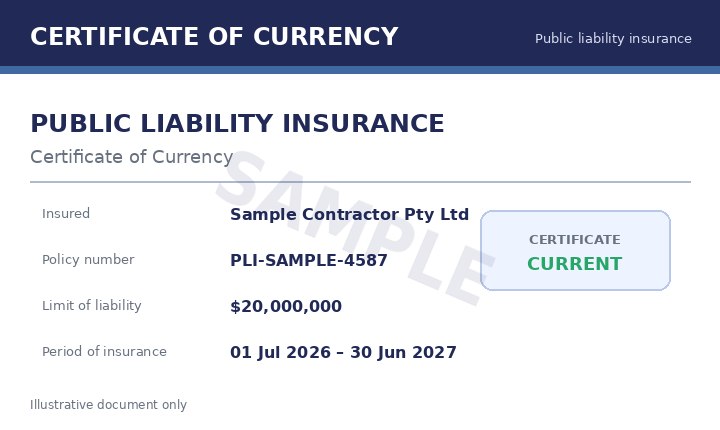
Public Liability Insurance
Current- Policy
- PLI-SAMPLE-4587
- Expiry
- 30 Jun 2027
- Uploaded
- 15 Feb 2026
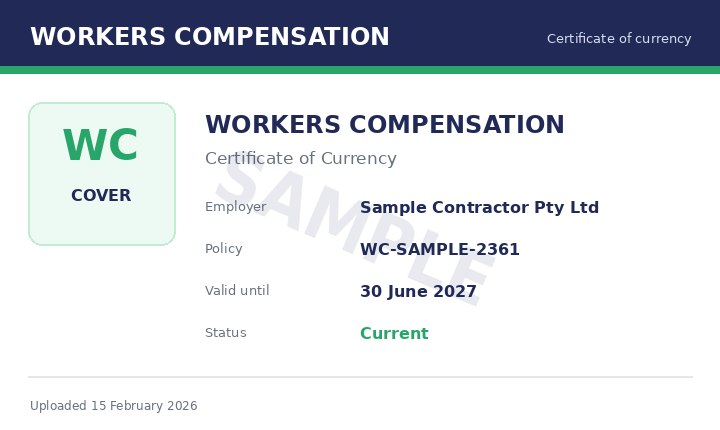
Workers Compensation
Current- Policy
- WC-SAMPLE-2361
- Expiry
- 30 Jun 2027
- Uploaded
- 15 Feb 2026
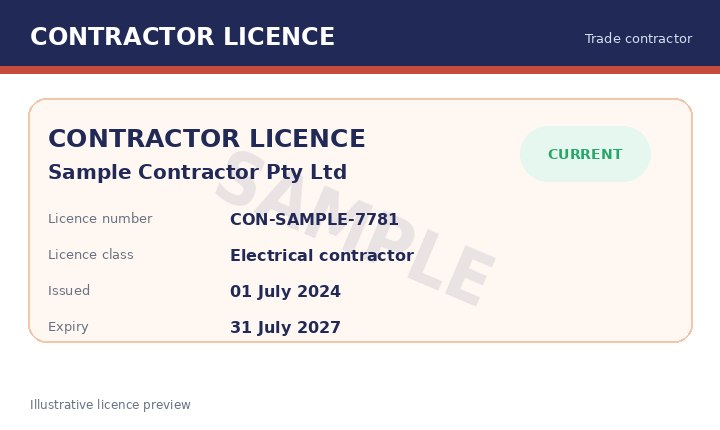
Contractor Licence
Current- Number
- CON-SAMPLE-7781
- Expiry
- 31 Jul 2027
- Uploaded
- 10 Feb 2026
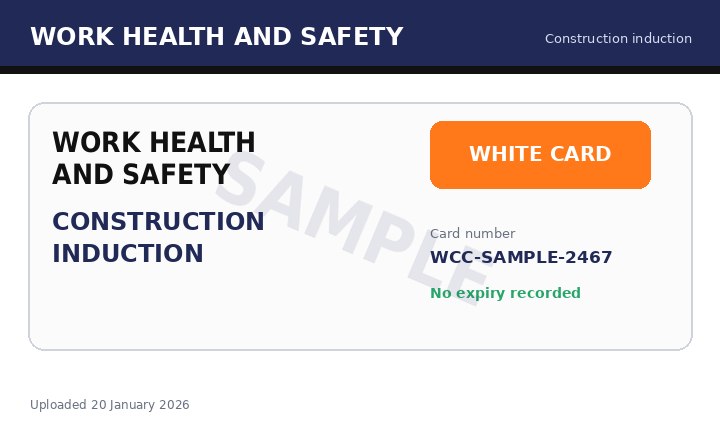
Construction White Card
Current- Card
- WCC-SAMPLE-2467
- Expiry
- No expiry
- Uploaded
- 20 Jan 2026
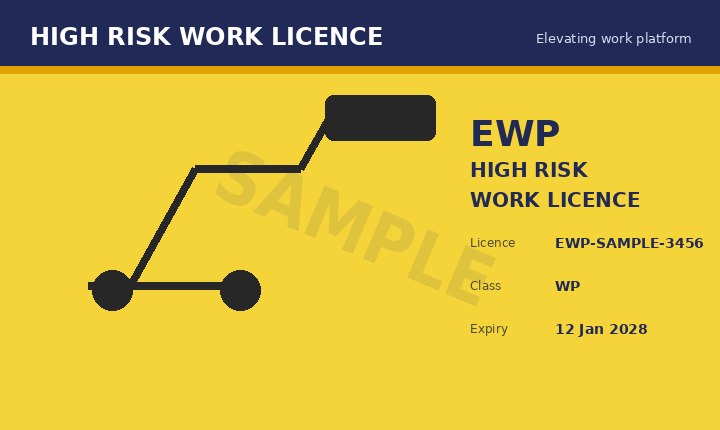
EWP High-Risk Work Licence
Expiring soon- Licence
- EWP-SAMPLE-3456
- Expiry
- 12 Jan 2028
- Uploaded
- 12 Jan 2025
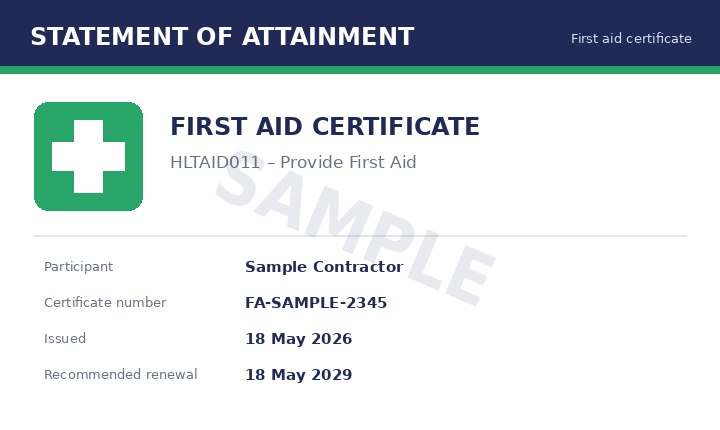
First-Aid Certificate
Current- Certificate
- FA-SAMPLE-2345
- Renewal
- 18 May 2029
- Uploaded
- 18 May 2026
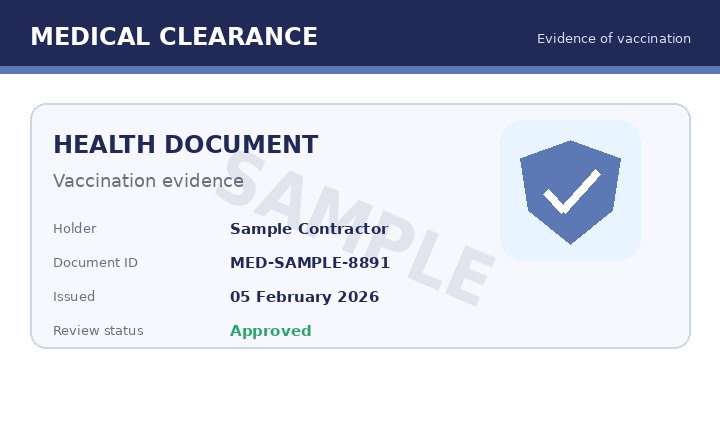
Medical Evidence
Approved- Document
- MED-SAMPLE-8891
- Reviewed
- 05 Feb 2026
- Status
- Approved
- ABC Plumbing — documents approved
- RAS Electrical — insurance expiring soon
- Coastal Scaffolding — licence updated
CENTRALISED CONTRACTOR READINESS
Smarter pre-qualification for safer projects.
Manage contractor information from invitation through approval, then retain the records needed for follow-up and ongoing compliance.
- Build different document requirements by contractor type or project.
- Review submitted evidence and request updates where information is incomplete.
- Track licence and insurance expiry dates from one dashboard.
- Keep review decisions and activity records linked to each contractor.
- Continue approved contractors into online induction and site-access workflows.
A CLEARER PRE-QUALIFICATION PROCESS
From invitation to approval in four steps.
Keep the process straightforward for administrators and contractors.
- 01
Send invitation
Invite contractors to complete the correct questionnaire and document requirements.
- 02
Collect documents
Contractors upload licences, insurance, certificates and other requested evidence.
- 03
Review and approve
Preview submissions, record a decision and request updates when required.
- 04
Induct and manage
Continue approved contractors into site-specific induction, sign-in and reporting workflows.
CONNECTED PROCESSES
Works with the tools and workflows you already use.
Connect contractor data and automate administrative steps through supported integrations.
COMMON QUESTIONS
Contractor pre-qualification FAQs
What documents can we collect?+
You can request licences, insurance certificates, qualifications, tickets, identity evidence, medical clearances and other documents relevant to your organisation or contractor type.
Can requirements differ by contractor or project?+
Yes. Different questionnaires, forms and document requirements can be assigned according to the contractor group, role, project or induction pathway you configure.
How are expiry dates managed?+
Expiry dates can be recorded against submitted documents. Administrators can review upcoming expirations and the platform can notify users when updated evidence is required.
Can administrators approve or reject documents?+
Yes. Authorised administrators can preview submitted files, record an approval decision and request replacement information when a document is incomplete or unsuitable.
Can contractors update their own records?+
Contractors can use the secure invitation or portal process provided by your organisation to submit requested information and replace documents when updates are required.
Can approved contractors continue into online induction?+
Yes. Contractor pre-qualification can form part of a broader workflow that includes online induction, forms, document collection and site sign-in.
READY TO STREAMLINE CONTRACTOR PRE-QUALIFICATION?
Save time, reduce risk and keep contractor records in one place.
Start a 30-day free trial or book a personalised demonstration of Induct For Work.