
WHS SOFTWARE FOR REAL ESTATES
Real Estate Contractor Inductions
Prepare every contractor.Protect every property.
Pre-qualify, induct and verify rental maintenance contractors before they attend a managed property.
Built for property teams managing contractor access
ONE CONNECTED PROPERTY SAFETY SYSTEM
From contractor approval to property access.
 Contractor pre-qualificationCollect trade licences, insurance and required evidence before work is assigned.
 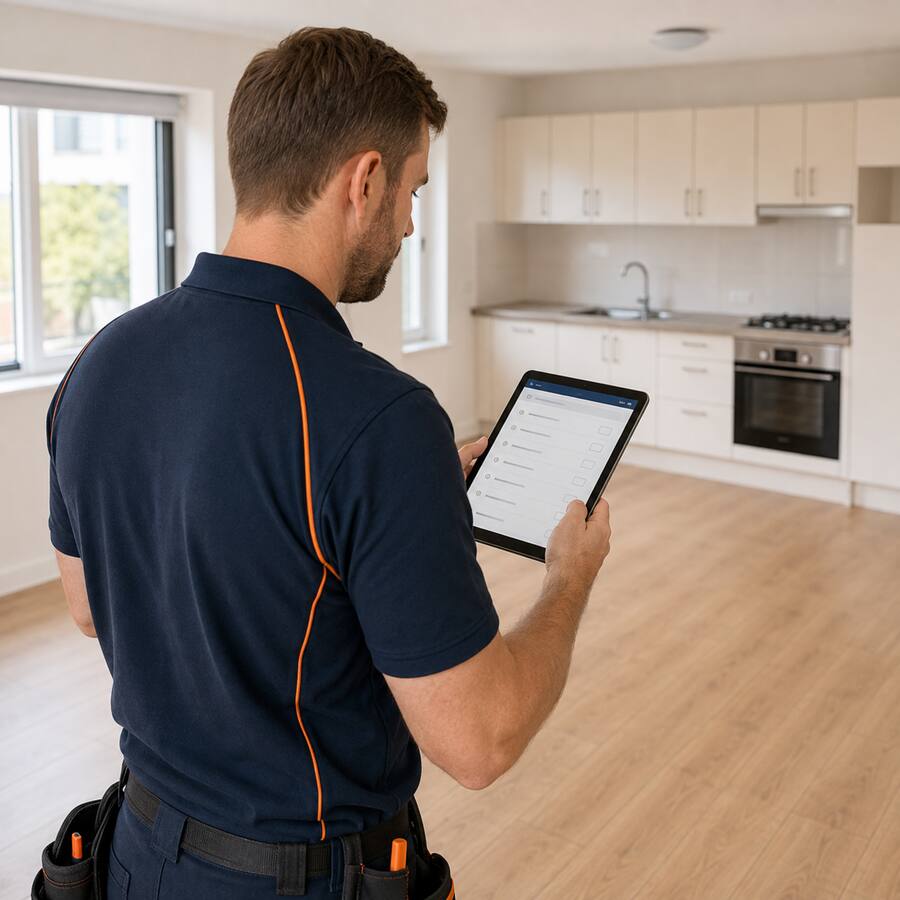 Property-specific inductionsProvide access instructions, known hazards and occupied-property requirements.
 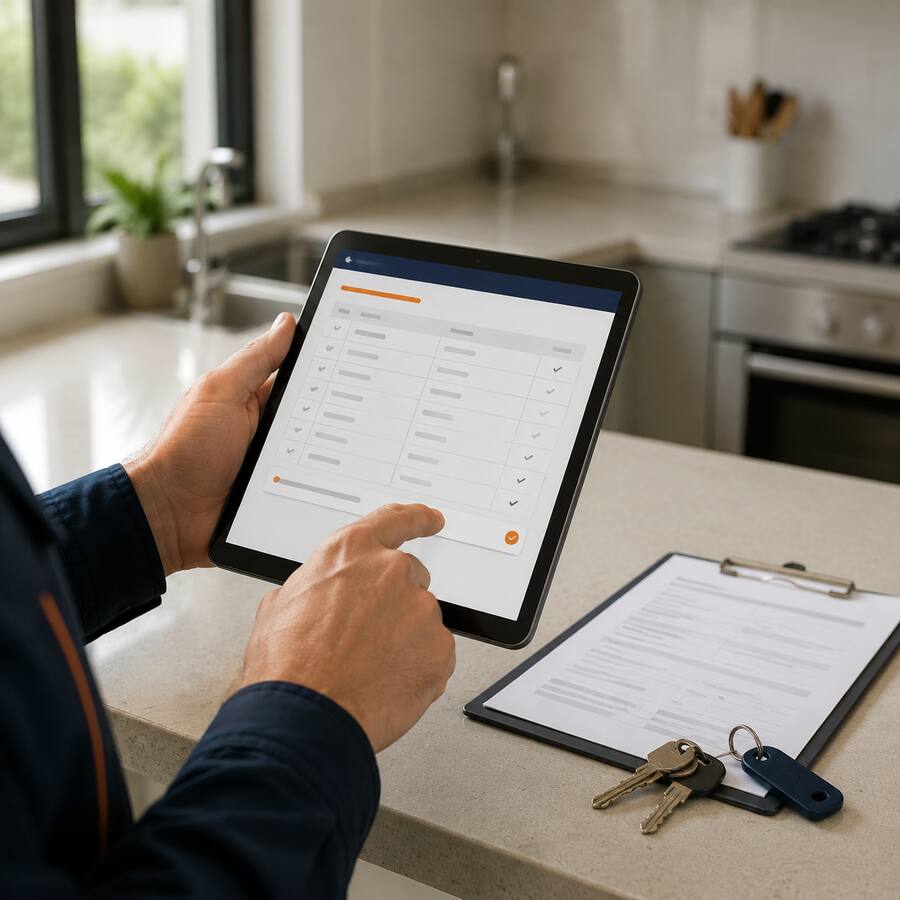 Work orders & acknowledgementsRecord job instructions, declarations, approvals and completed forms.
 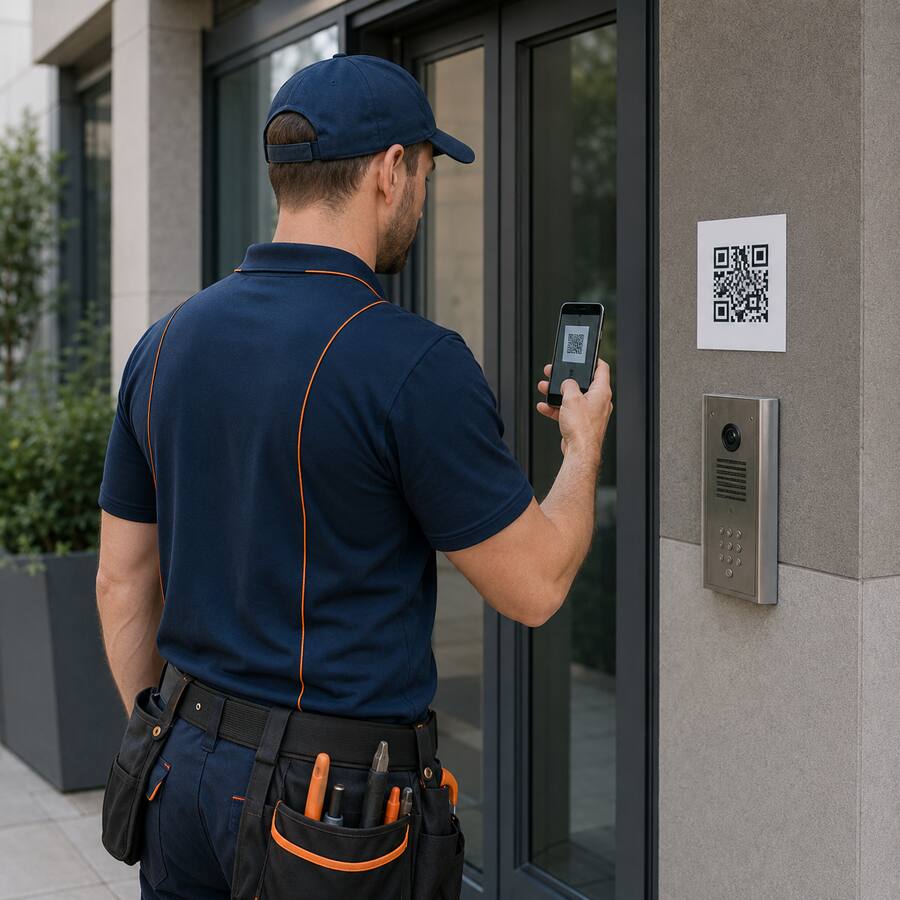 QR property sign-inMaintain a time-stamped attendance record for contractors at each property.
 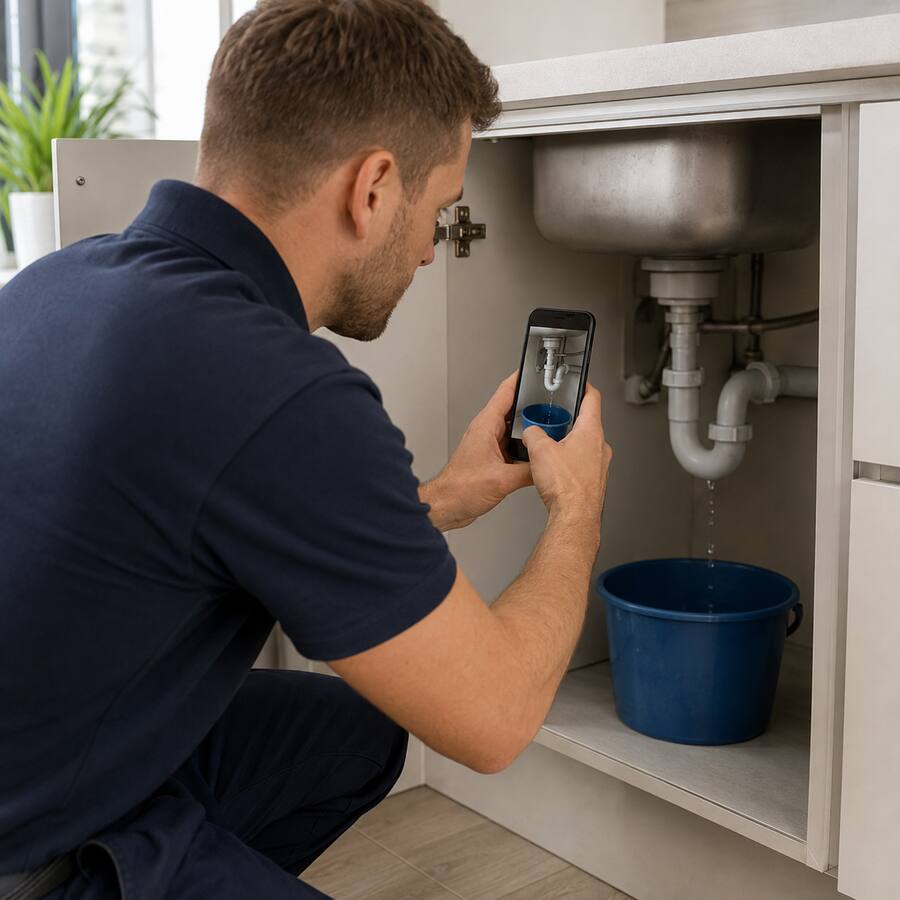 Mobile incident reportingCapture hazards, property damage and near misses from the field.
 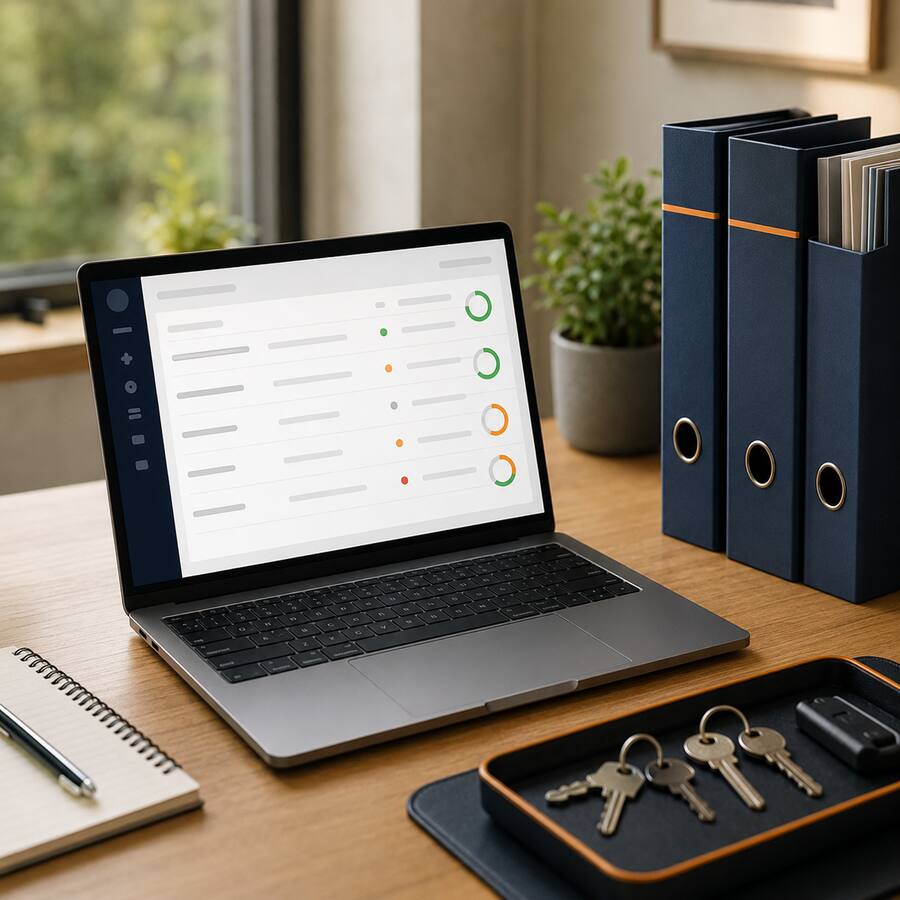 Audit-ready recordsKeep contractor, attendance and property compliance information searchable.
READY FOR SAFER PROPERTY MAINTENANCE?
Bring contractors, properties and compliance together.
One platform to pre-qualify, induct and monitor the people working across your rental portfolio.
COMMON QUESTIONS
Frequently asked questions
Can each property have different induction requirements?
Yes. Inductions, forms, access instructions and document requirements can be assigned according to property, portfolio, contractor type or other relevant account groupings.
Can contractors complete inductions before attending?
Yes. Contractors can complete assigned induction content, forms and document requirements online before travelling to a managed property.
What contractor documents can be collected?
You can request trade licences, public liability insurance, qualifications, permits and other evidence relevant to the work. Your organisation remains responsible for reviewing and approving the information supplied.
Does QR sign-in work at individual properties?
Yes. QR sign-in can record attendance and present location-specific requirements or access instructions at an individual property or shared facility.
Can property damage and hazards be reported by phone?
Yes. Contractors can record hazards, damage, incidents and near misses from a compatible device and attach photos, notes and location details.
Can one account manage multiple offices and property portfolios?
Yes. Authorised administrators can review induction, document, attendance and incident information across the offices and property groups included in their account permissions.
Will you help configure the account after we become a customer?
Yes. Once you become a customer, our team will help structure the account, prepare content and support your launch. Timing depends on your content and account complexity.